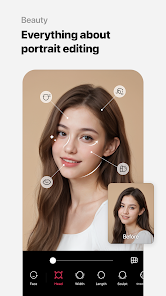
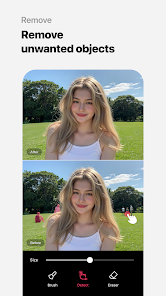
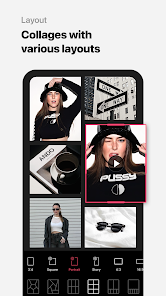
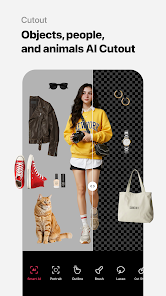
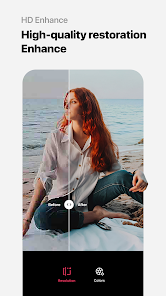
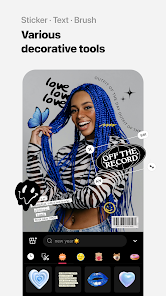
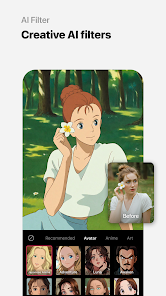
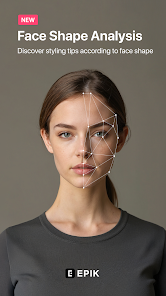
EPIK - AI Photo & Video Editor is a powerful mobile application designed to enhance photos and videos using artificial intelligence technology. It offers a wide range of editing tools, including filters, effects, background removal, and AI-powered enhancements that simplify complex editing tasks. Users can easily transform ordinary images or clips into professional-looking creations, whether for social media, marketing, or personal projects. The app also supports collage creation, text overlays, and animated effects, making it versatile for both photos and videos. With an intuitive interface and real-time previews, EPIK allows creators of all skill levels to quickly produce high-quality visual content while exploring creative possibilities.
Key Features
AI-powered photo and video enhancements.
Variety of filters and visual effects.
Background removal and replacement tools.
Text and sticker overlays for creative designs.
Collage and layout templates.
Animated effects and transitions for videos.
Real-time editing previews.
Supports high-resolution exports.
Intuitive interface for beginners and professionals.
Regular updates with new tools and effects.
Pros & Cons
Pros:
AI tools simplify complex editing tasks.
Wide variety of effects and filters.
Supports both photos and videos.
Easy-to-use interface suitable for all skill levels.
Real-time previews enhance creativity.
Cons:
Some advanced features require a subscription.
High-resolution exports may slow down older devices.
Limited customization in free version.
Functions
Edit photos and videos with AI-powered tools.
Apply filters, effects, and animations.
Remove or replace backgrounds easily.
Add text, stickers, or overlays to visuals.
Create collages and layouts.
Preview edits in real-time.
Export high-resolution images and videos.
Share edited content directly to social media platforms.
How to Use
Click the button ""Check All Versions"" below to download and install it.
Open the app and import the photo or video you want to edit.
Select desired filters, effects, or AI enhancement tools.
Adjust settings such as brightness, contrast, and saturation.
Add text, stickers, or overlays as needed.
Preview the edited content before saving.
Export the final image or video in high resolution.
Share directly to social media or save to your device.


 0
0