

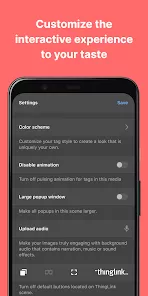
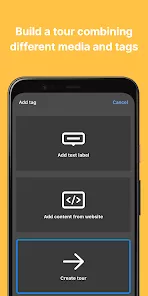
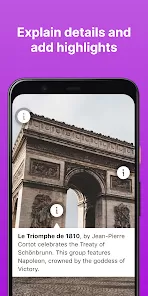
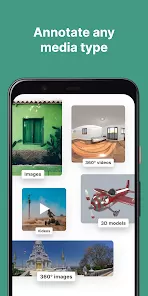
ThingLink is a dynamic interactive media platform designed to enhance digital content with rich multimedia annotations, allowing users to create engaging images, videos, and 360° virtual experiences. The app enables educators, marketers, and content creators to embed clickable hotspots that can include text, images, videos, links, and audio, making content more interactive and informative. ThingLink supports both individual and collaborative projects, providing intuitive tools for designing visually compelling and educational experiences. Its analytics capabilities allow users to track engagement and interaction patterns, helping optimize content effectiveness. With a user-friendly interface, ThingLink empowers users to transform static media into immersive learning, marketing, and storytelling experiences that captivate audiences of all ages.
Key Features
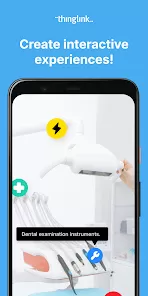
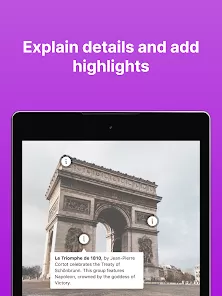
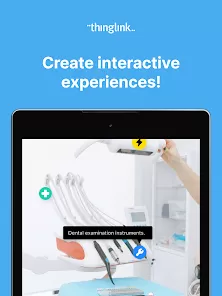
Ability to add interactive hotspots to images, videos, and 360° media.
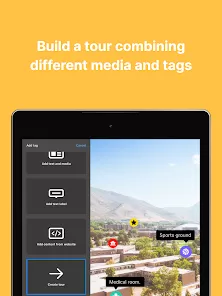
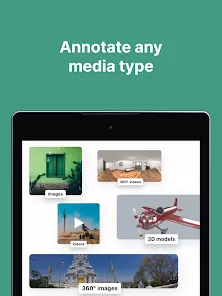
Supports text, image, video, audio, and link embedding within media.
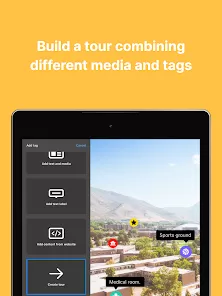
360° virtual tours and panoramic image integration for immersive experiences.
Collaboration tools for team projects and shared content creation.
Analytics dashboard to track user engagement and interaction patterns.
Customizable templates for educational, marketing, and storytelling purposes.
Integration with LMS systems and social media platforms.
User-friendly drag-and-drop interface for quick editing and publishing.
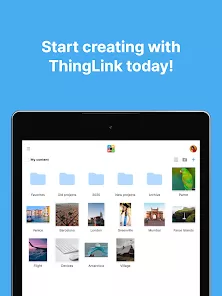
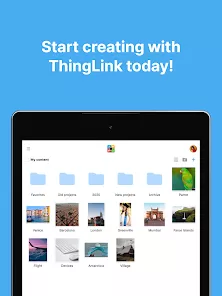
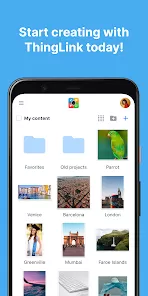
Cloud-based storage for easy access and management of media projects.
Responsive design for optimal viewing across devices including desktops and mobile.
Pros & Cons
Pros:
Transforms static media into highly interactive content for engagement.
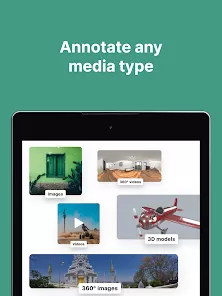
Supports a wide variety of media formats including 360° images and videos.
Analytics tools provide valuable insights into audience interaction.
Collaborative features make it suitable for classrooms, teams, and organizations.
Templates and intuitive interface reduce the learning curve for new users.
Cons:
Some advanced features require a premium subscription.
High-resolution media files may slow down performance or loading times.
Limited offline capabilities, mostly cloud-dependent.
Complex projects may require additional training or guidance to implement effectively.
Functions
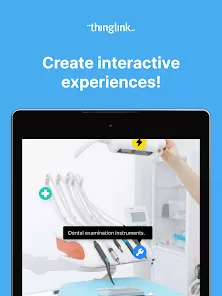
Creates interactive images, videos, and 360° content with embedded hotspots.
Adds multimedia elements such as text, audio, video, and links to media projects.
Facilitates collaborative projects with real-time editing and sharing features.
Generates analytics reports to monitor user engagement and hotspot interactions.
Integrates with learning management systems (LMS) for educational purposes.
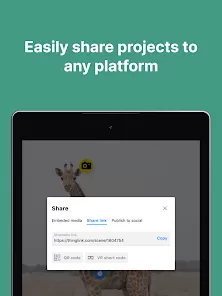
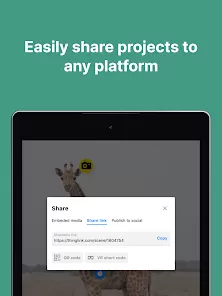
Publishes interactive content to websites, social media, or internal platforms.
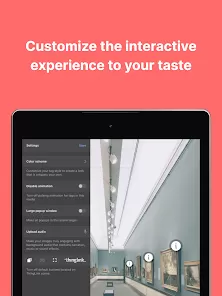
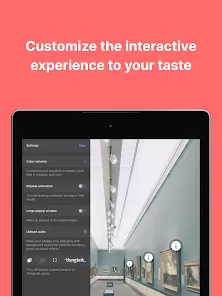
Offers templates and design tools for efficient content creation and customization.
How to Use
Click the button “Check All Versions” below to download and install it.
Open ThingLink and create an account or log in with your credentials.
Select a media type, such as image, video, or 360° panoramic content.
Upload the chosen media file from your device or cloud storage.
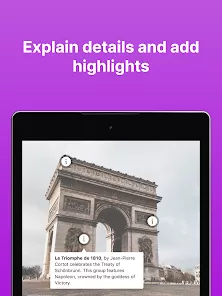
Add interactive hotspots by embedding text, images, videos, audio, or links.
Customize the appearance and placement of hotspots for optimal interactivity.
Collaborate with team members if required and adjust permissions accordingly.
Preview your interactive media to ensure proper functionality and engagement.
Publish the project to a website, LMS, or social media platform.
Use the analytics dashboard to track interaction metrics and optimize future content.



 0
0