




Flip Makes Learning Engaging; Pros and Cons; Key Features; Functions; How to Use
What is Flip?
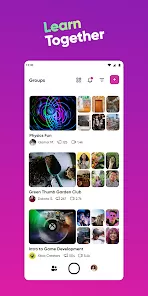
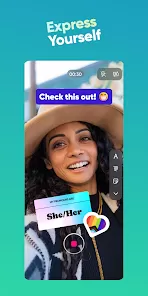
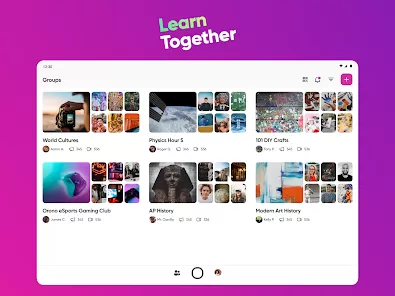
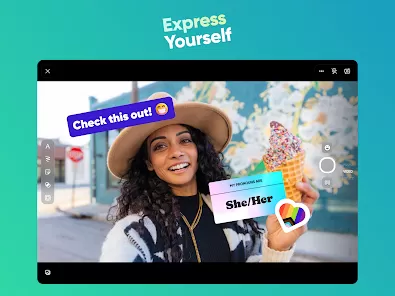
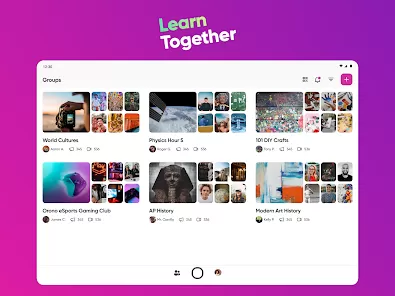
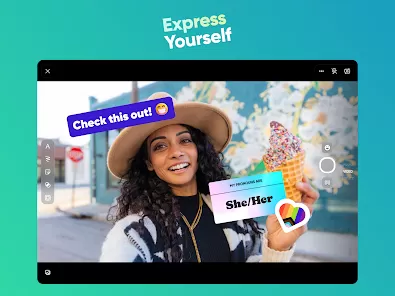
Flip is an interactive learning platform designed to make education more engaging for both students and teachers. It allows educators to create interactive lessons, discussion prompts, and multimedia assignments that encourage student participation. Students can respond with text, images, videos, or audio, making the learning process dynamic and personalized. Flip promotes collaboration, peer feedback, and creativity, transforming traditional classroom experiences into modern, technology-driven education. With real-time insights and easy integration with other educational tools, Flip empowers teachers to monitor progress, identify learning gaps, and adapt lessons to meet student needs. It is ideal for K-12 classrooms, online learning environments, and homeschooling contexts.
Pros and Cons
- Pros:
- Encourages active participation and engagement among students.
- Supports multimedia responses including video, audio, images, and text.
- Easy-to-use interface for both students and educators.
- Facilitates collaboration, peer feedback, and classroom discussions.
- Real-time monitoring and analytics for tracking student progress.
- Customizable lesson creation to match diverse learning styles.
- Integrates well with other educational tools and platforms.
- Supports remote and hybrid learning environments effectively.
- Enhances creativity and critical thinking in students.
- Cons:
- Requires internet access for full functionality.
- Some features may be limited in the free version.
- Teachers may need initial training to maximize app features.
- Dependent on device compatibility and performance.
- Student engagement may vary depending on classroom culture and motivation.
Key Features
- Interactive Lessons: Create engaging prompts and assignments with multimedia support.
- Student Responses: Accept video, audio, text, or image submissions from students.
- Peer Feedback: Enable students to comment and give constructive feedback to peers.
- Analytics Dashboard: Monitor participation, track progress, and identify learning gaps.
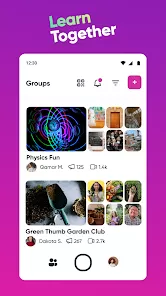
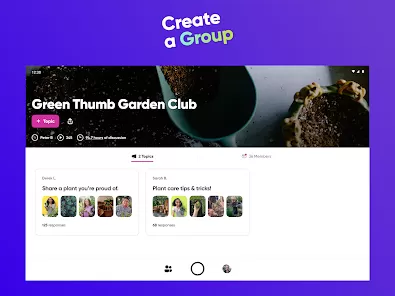
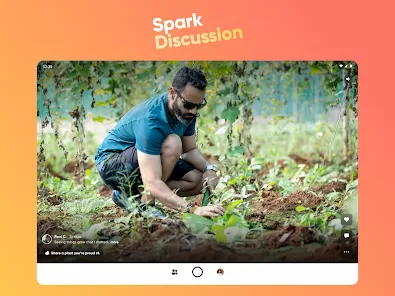
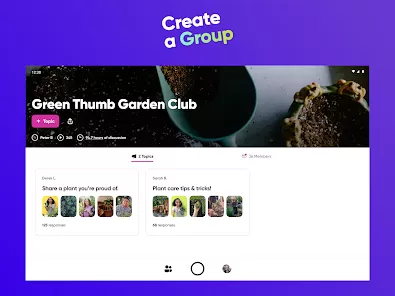
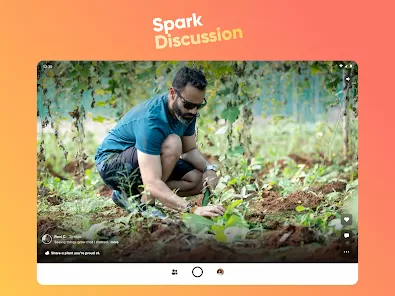
- Discussion Boards: Facilitate classroom discussions and collaborative learning online.
- Integration: Works seamlessly with Google Classroom, Microsoft Teams, and other platforms.
- Customization: Tailor prompts, assignments, and feedback to student needs.
- Gamified Engagement: Add elements that motivate and incentivize participation.
- Multiplatform Support: Accessible via mobile devices, tablets, and desktops.
- Secure and Private: Protect student data and maintain a safe learning environment.
Functions
- Create lessons, prompts, and assignments for students.
- Receive and organize student submissions in various formats.
- Provide personalized feedback to improve student learning.
- Track engagement and performance metrics in real-time.
- Encourage peer interaction through comments and collaborative projects.
- Integrate Flip with existing classroom management tools.
- Use multimedia elements to enhance lesson comprehension.
- Manage classroom activities remotely or in hybrid setups.
- Customize assignments and assessments for individual or group learning.
- Promote creativity, critical thinking, and active learning.
How to Use
- Download the Flip app from the App Store, Google Play, or access via desktop browser.
- Create a teacher account or log in using an existing educational platform account.
- Set up a class and invite students via email or class code.
- Create interactive prompts, lessons, or assignments with multimedia options.
- Students respond with video, audio, images, or text to engage with lessons.
- Monitor student submissions and provide feedback through the dashboard.
- Encourage peer reviews and discussions to enhance collaboration.
- Track participation, identify learning gaps, and adjust lessons accordingly.
- Use analytics to assess overall class performance and individual progress.
- Repeat the process for ongoing lessons, adapting engagement strategies as needed.



 0
0